Mahara: Learning and training administration in one platform
The need
Mahara combines course delivery and training administration. Learners access enrolled courses and lesson material, while administrators review training content, trainers, enrollments, and activity.
What we designed and built
Byteable designed and built Mahara from scratch, including the learner interface and administration workspace.
Open a course and read a lesson
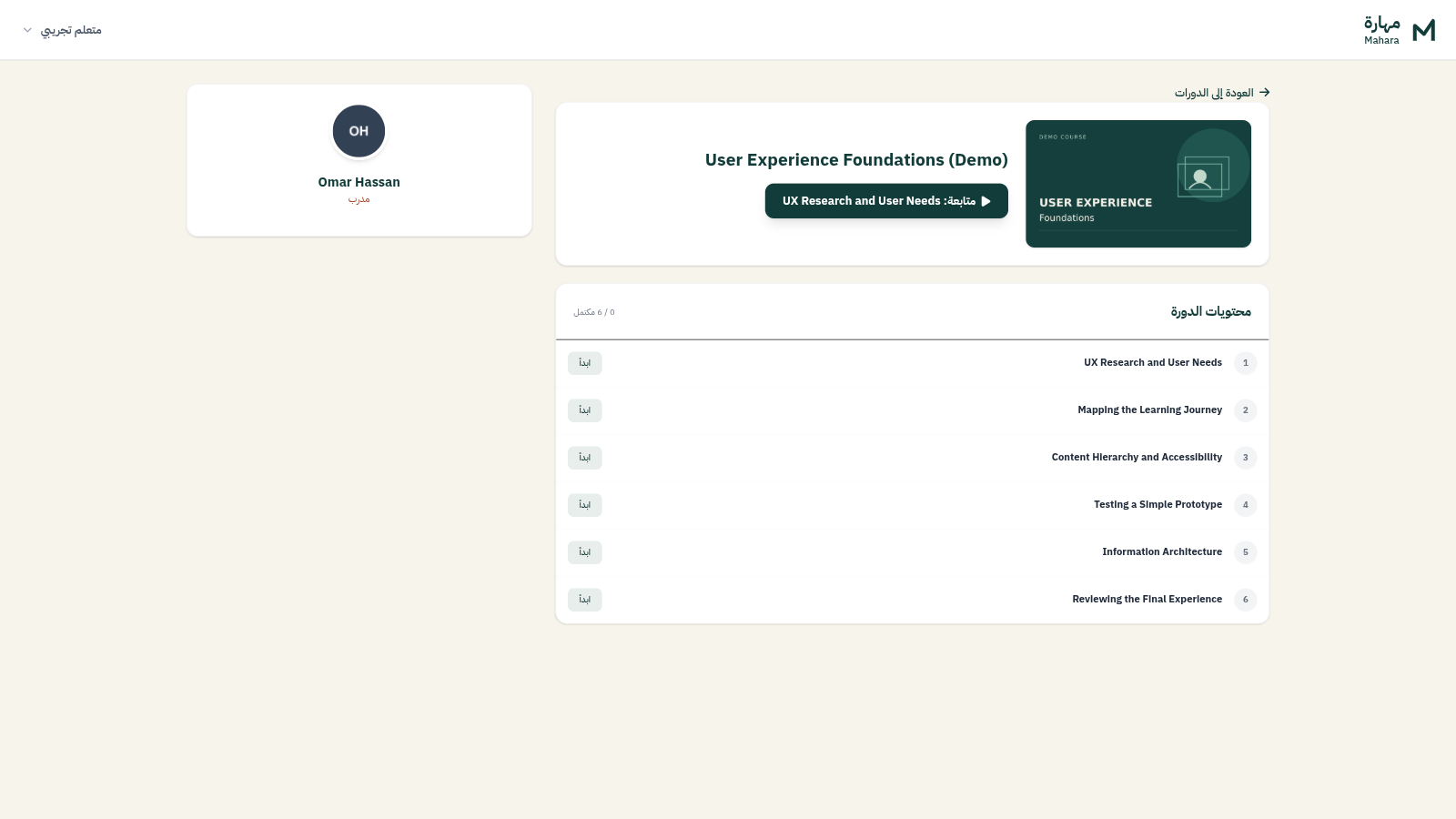
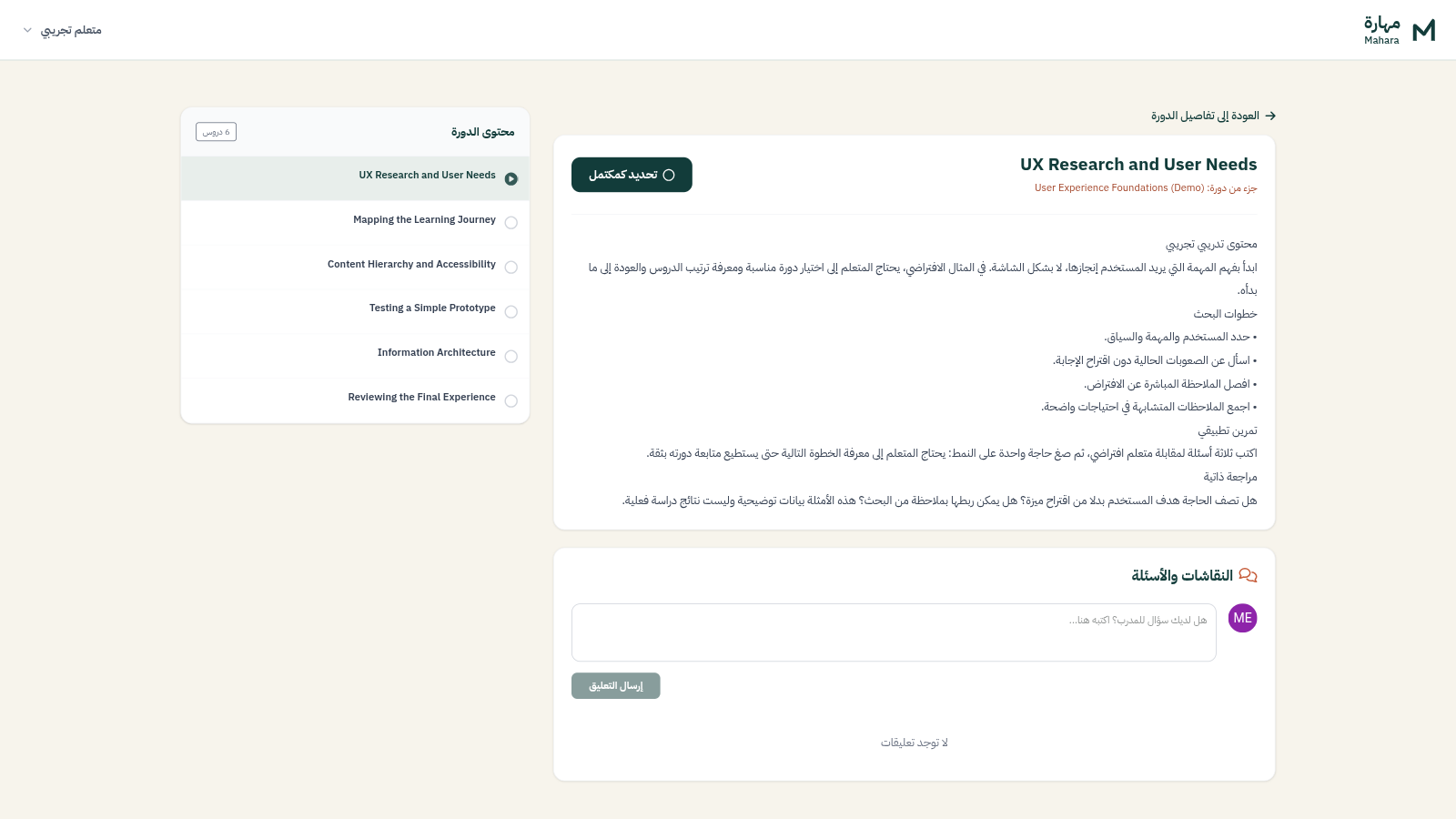
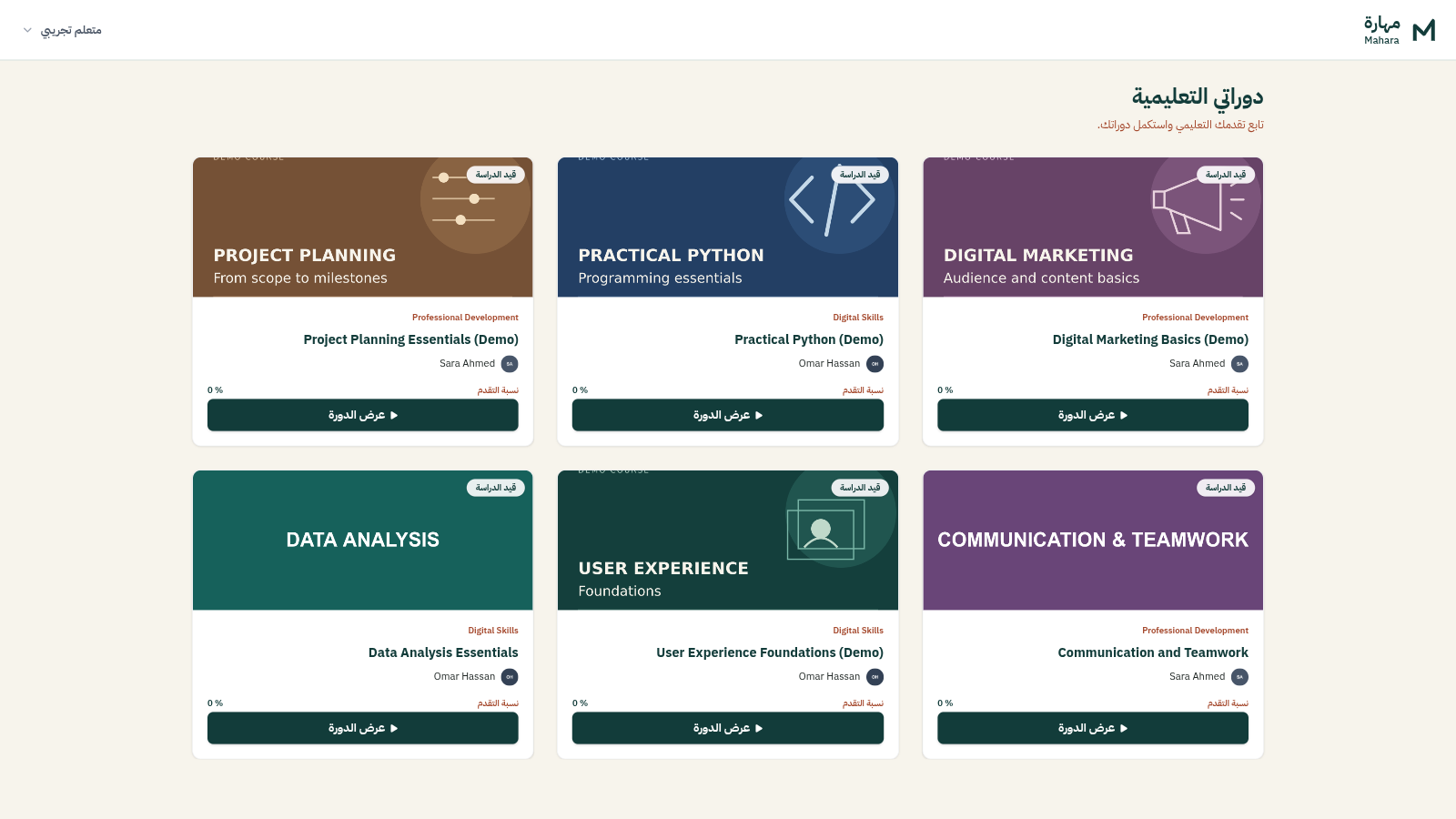
The learner dashboard shows enrolled courses with their program, trainer, and progress indicator. A course opens to its trainer, ordered lesson outline, and completed-lesson count. The lesson reading area includes material and an exercise, with the course outline still visible.
Review programs, courses, and lessons
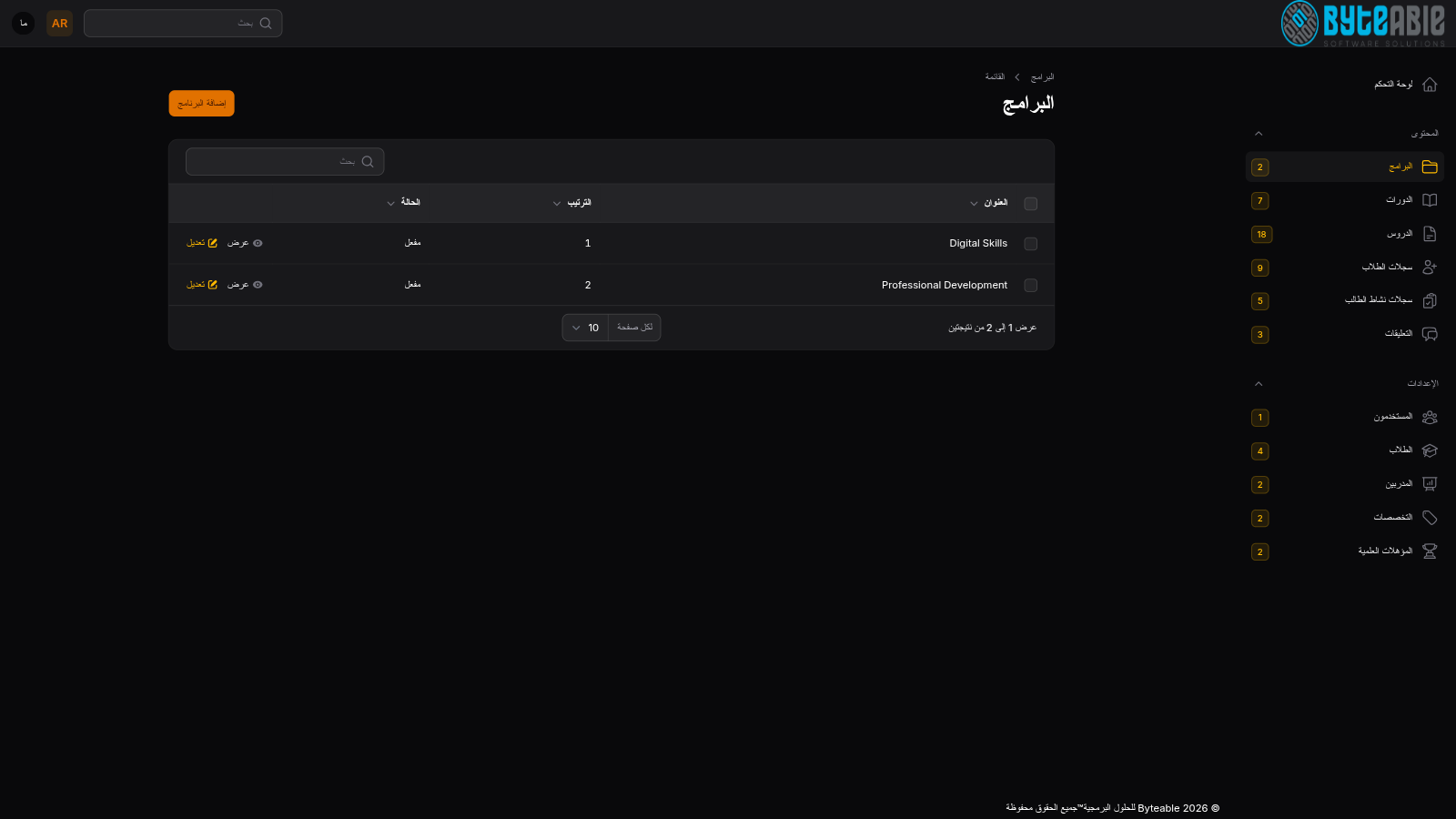
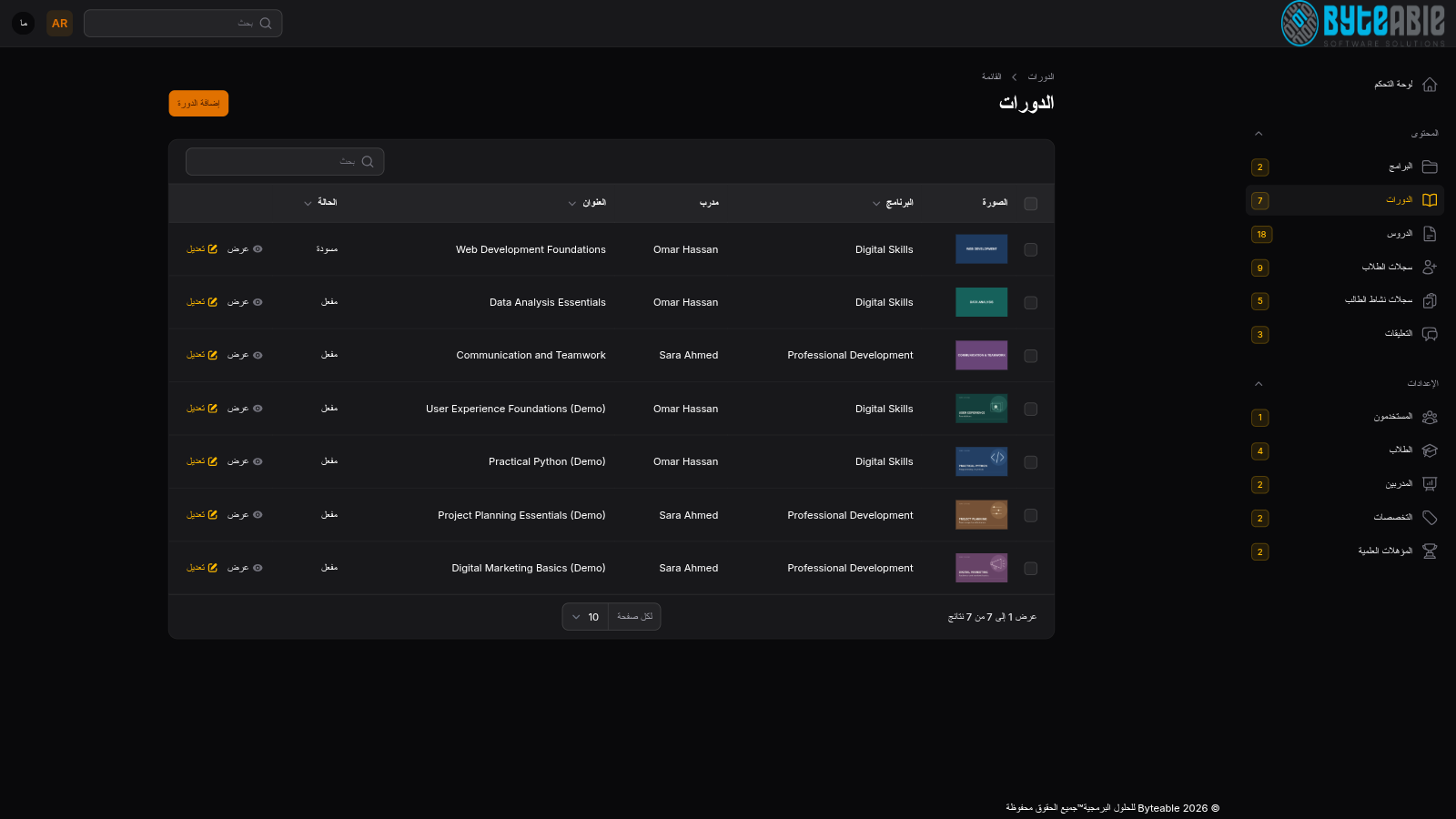
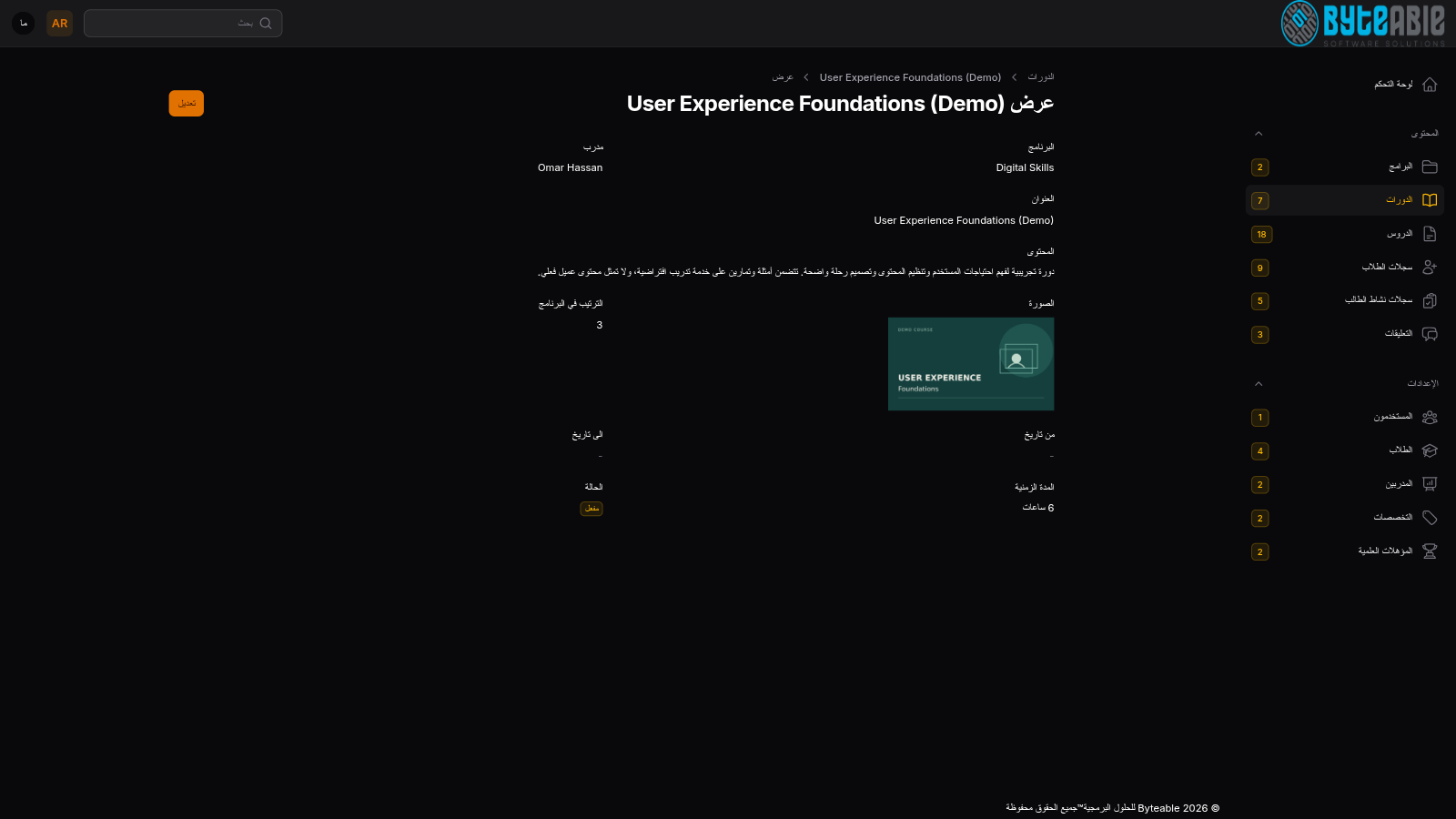
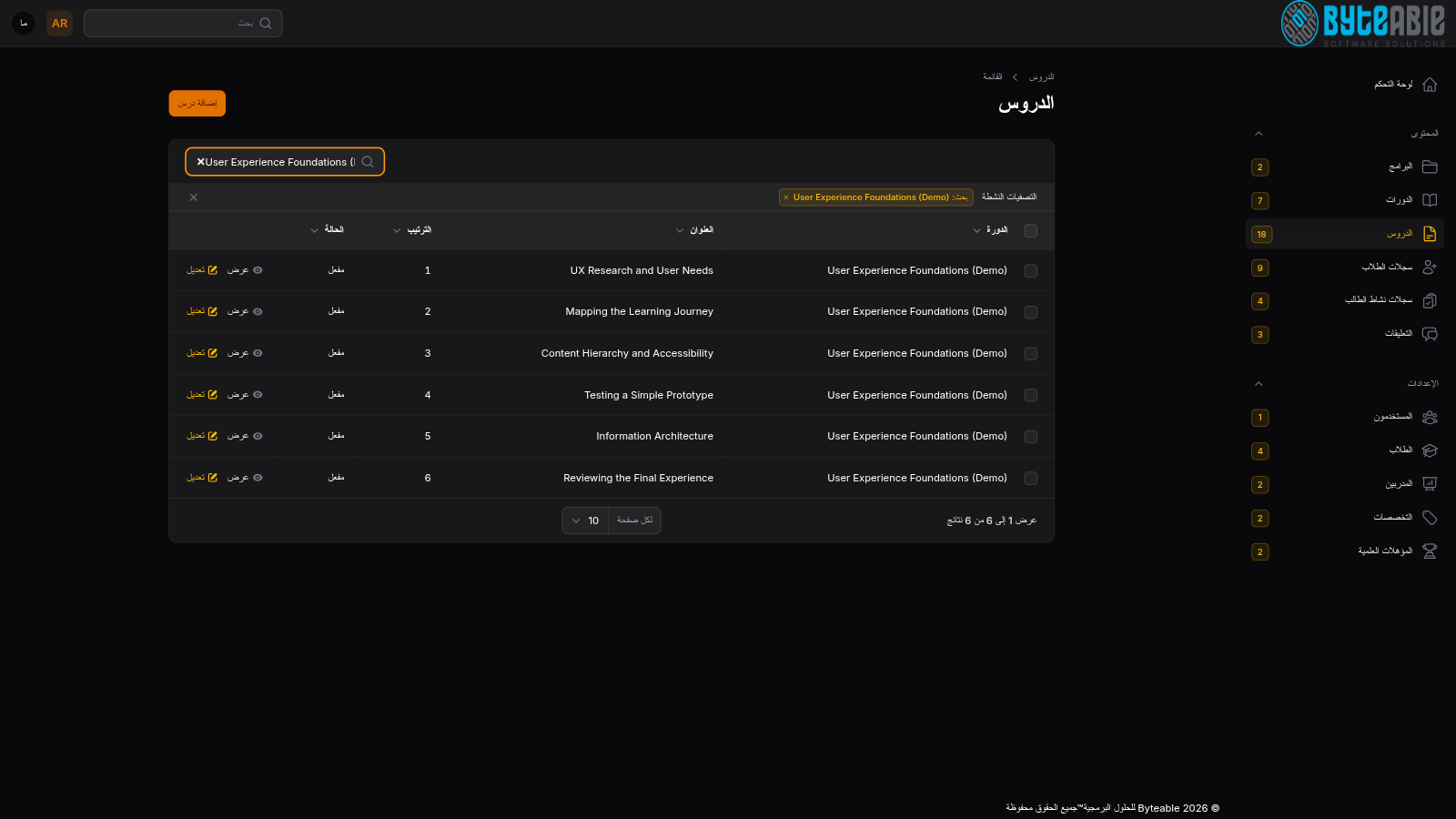
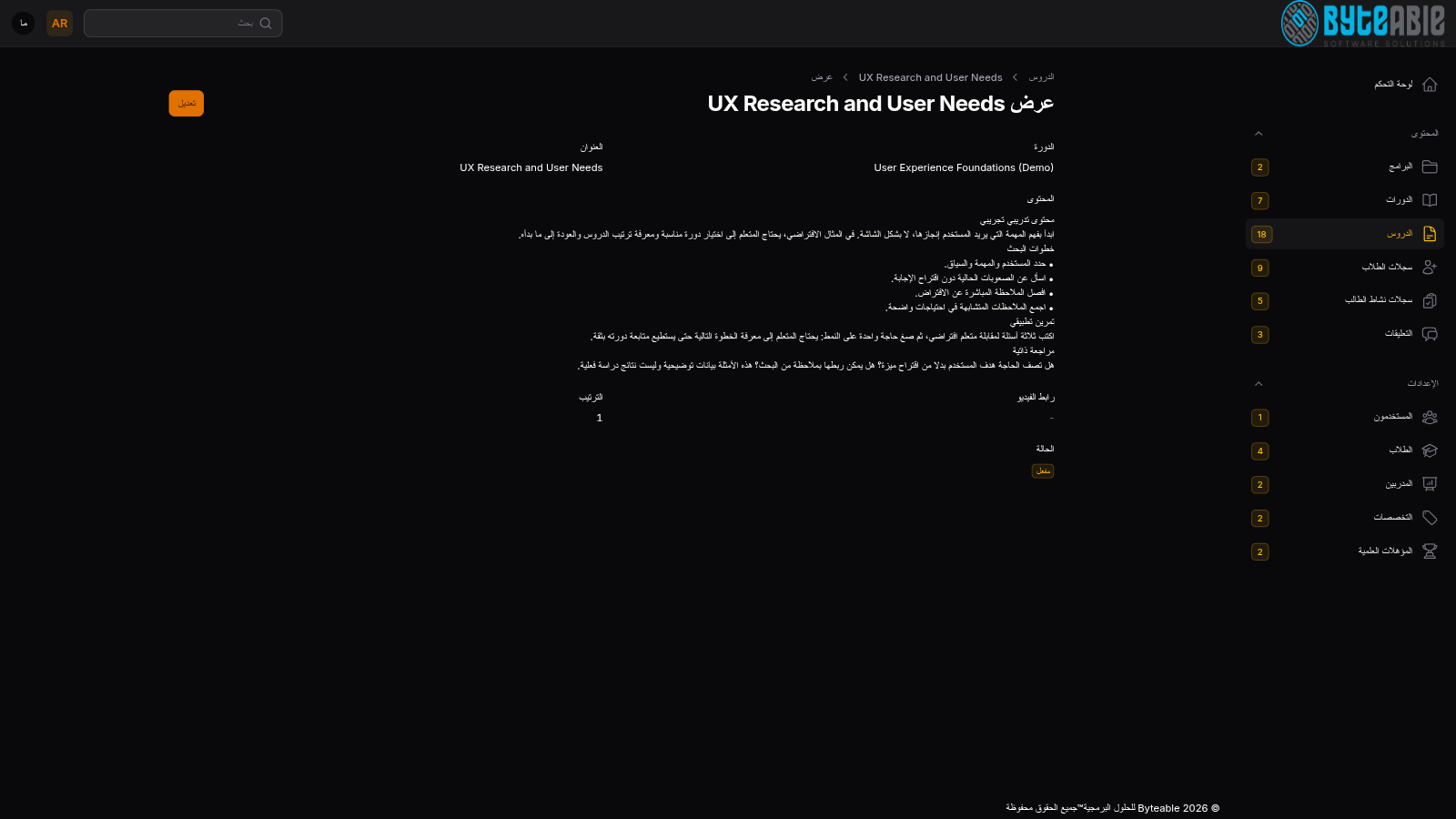
Administrators can review program display order and status, then courses by program, trainer, and status. Course details include the description, cover, and assignments. Lessons are listed by course, order, and publication status, with a detail view for the lesson text.
Review enrollments and lesson activity
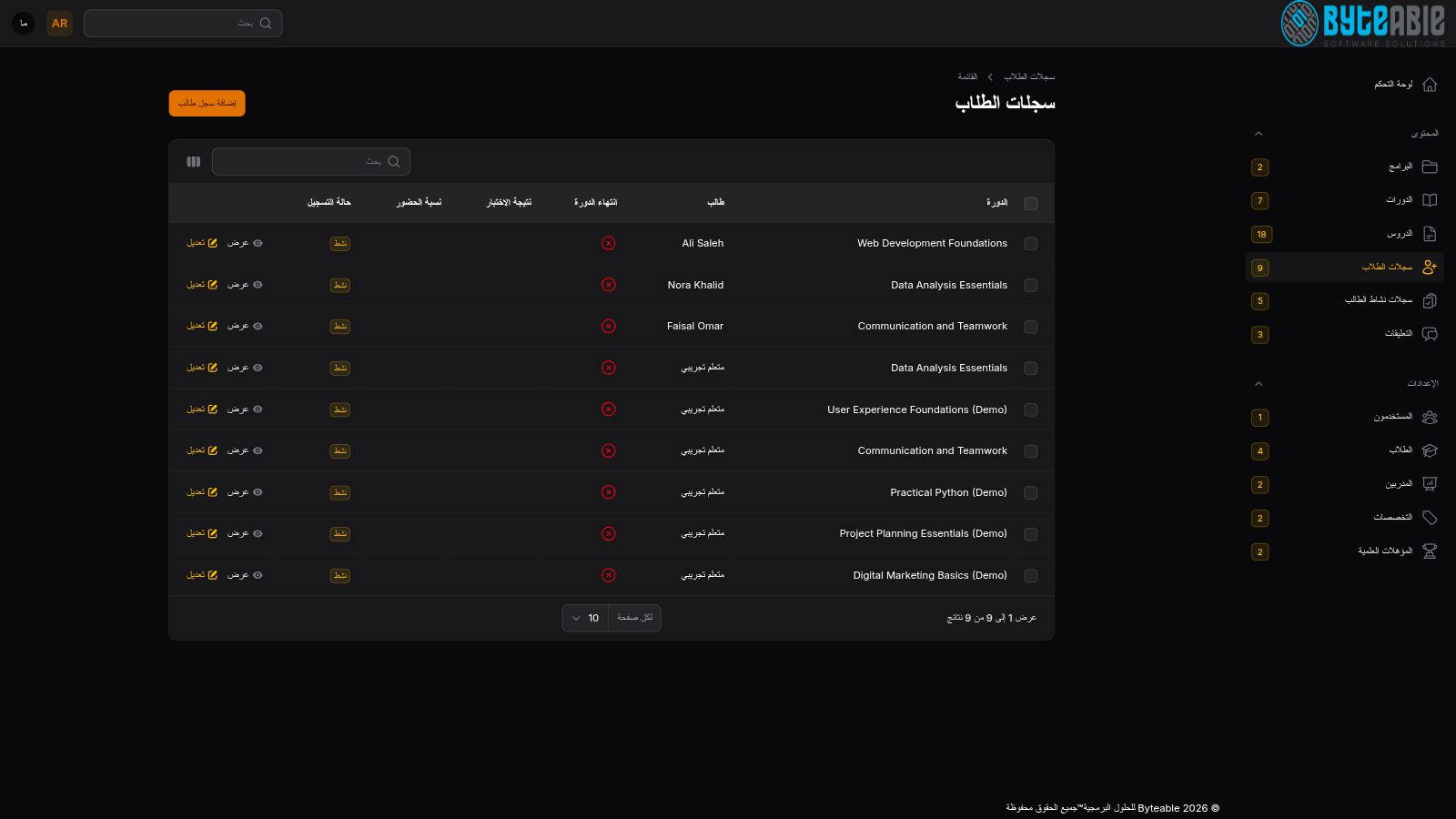
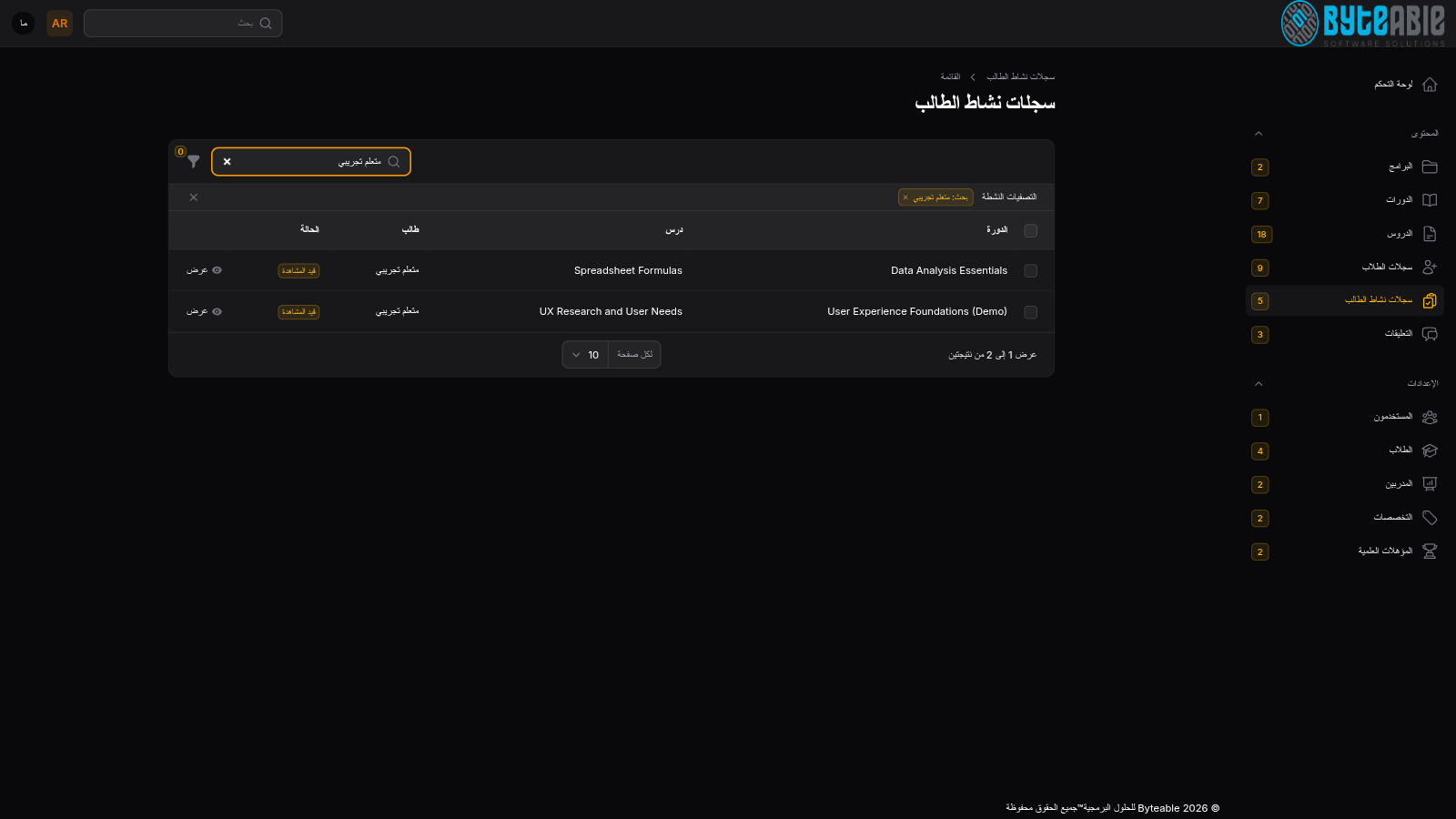
Enrollment records link learners to courses and show access status and completion fields. Separately, the searchable lesson-activity directory shows each learner’s course, lesson, and recorded status.
Review lesson discussions
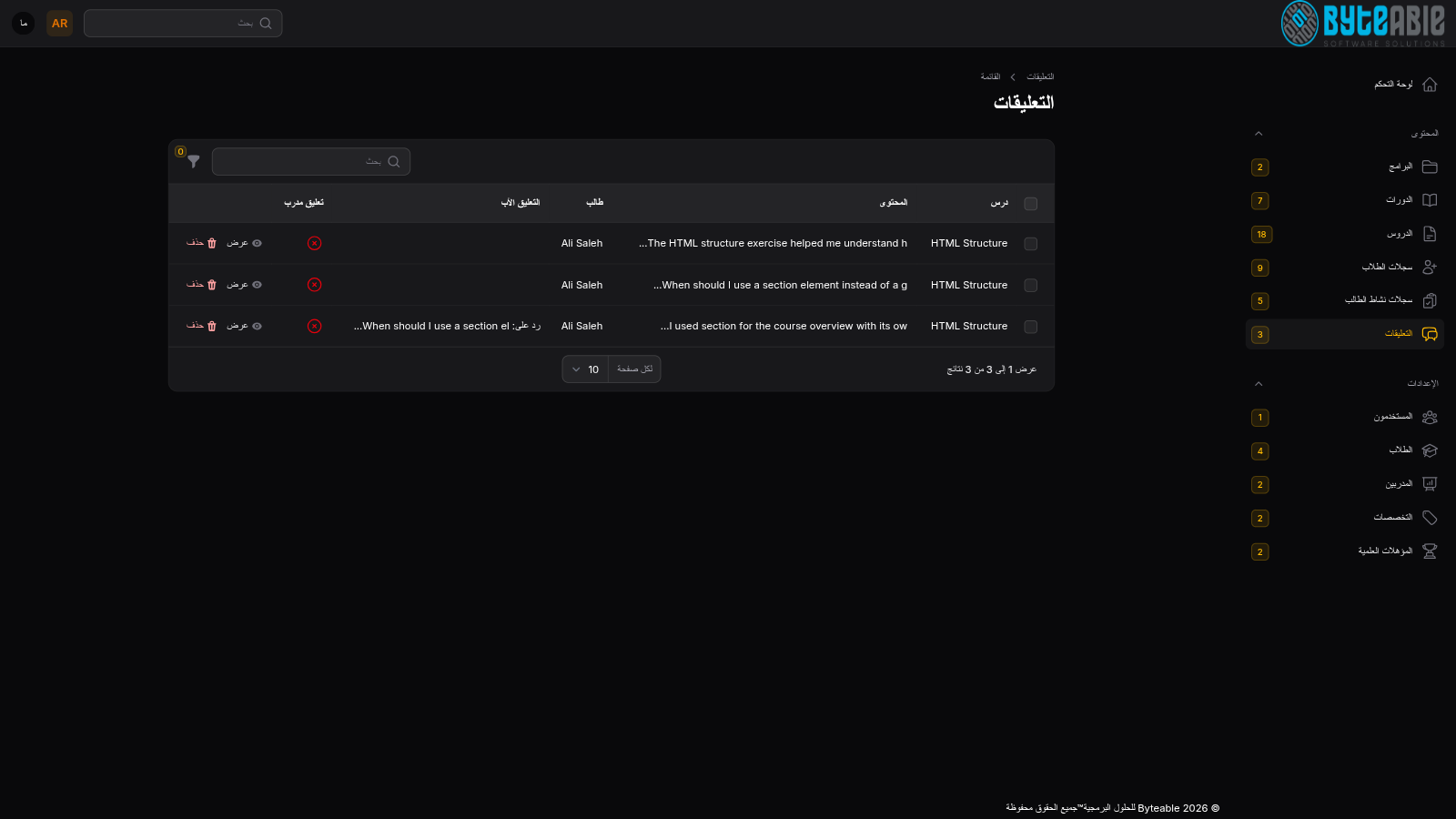
The comments directory links existing discussion records to their lesson and author, including parent-comment relationships for replies. The learner lesson screen also includes a question field; posting was not tested.
The screenshots show the Arabic interface with dummy data. Additional demo courses, lesson content, and enrollments were created for this presentation. Lessons were opened, but no lessons were marked complete and no comments or replies were sent. Progress indicators are demonstration states, not measured learning outcomes.